SLAM
SLAM Module
This module is used to start the packaging process.
Useful View of the Module
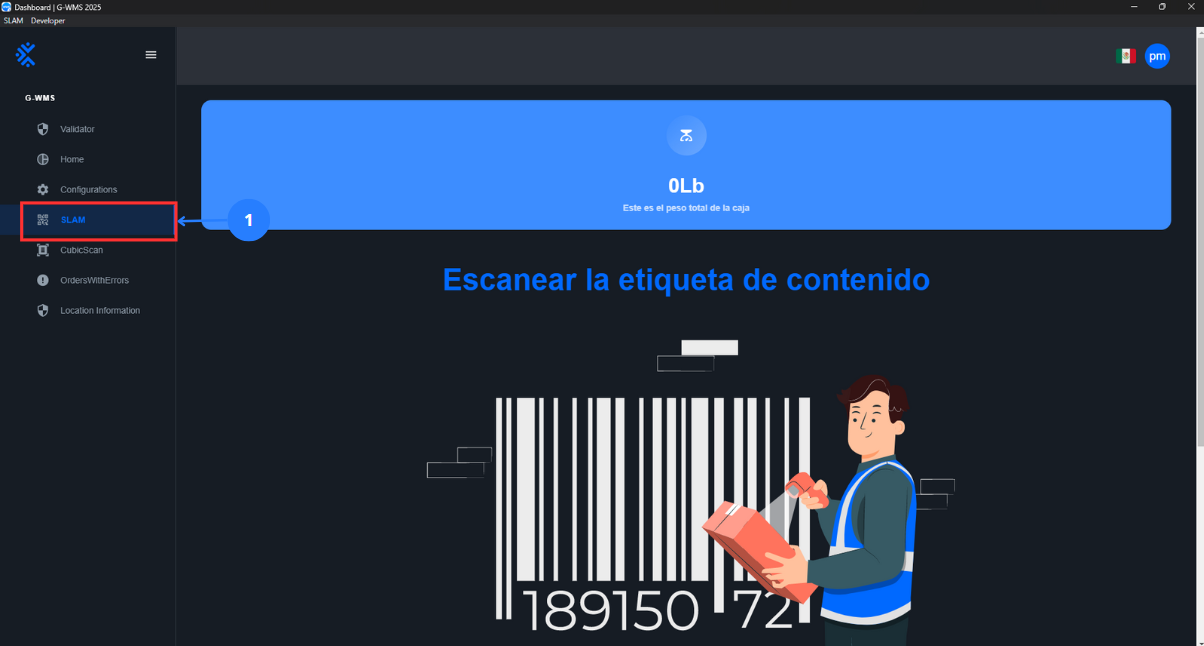
| No | Name | Description |
|---|---|---|
| 1 | SLAM Button | A button that, when pressed, opens the SLAM panel to scan the package's content label and register the packaging of the items. |
Scan a Location
Context |
|---|
Place photos of the packages with the content label and the list. |
Steps |
|---|
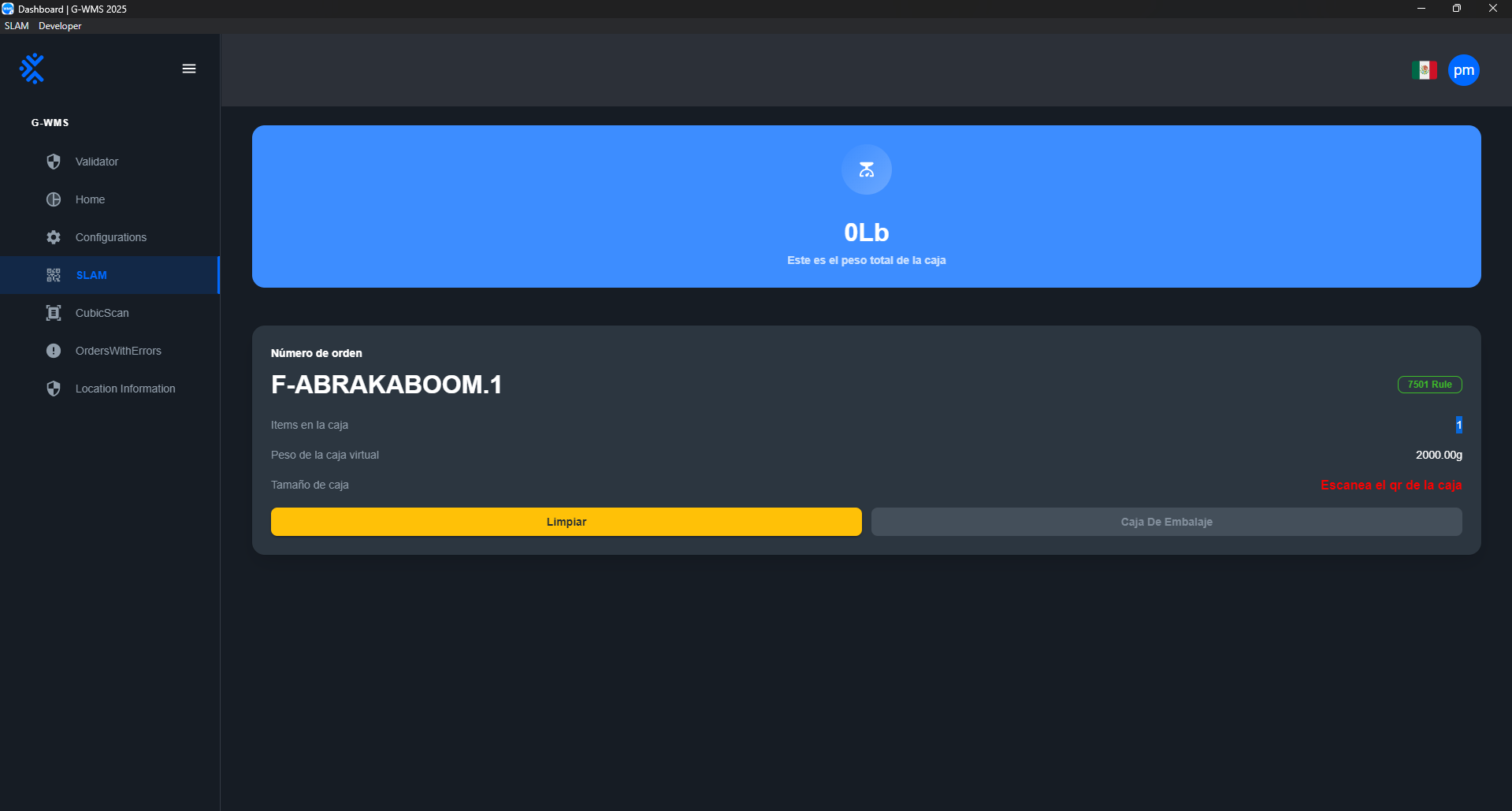
Select 1 to use the SLAM tool. Scan the QR code or barcode of the package's content label. Package information will be displayed on the interface.
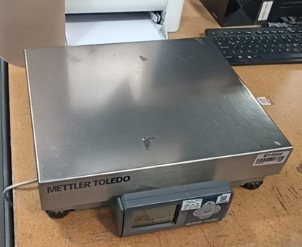
Now place the box on the scale and then scan the box's dimension code. The package's weight will update on the interface, and the dimensions will be saved successfully.
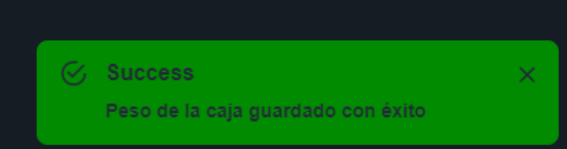
Finally, click the blue "Packaging Box" button, and a success notification will appear.
|