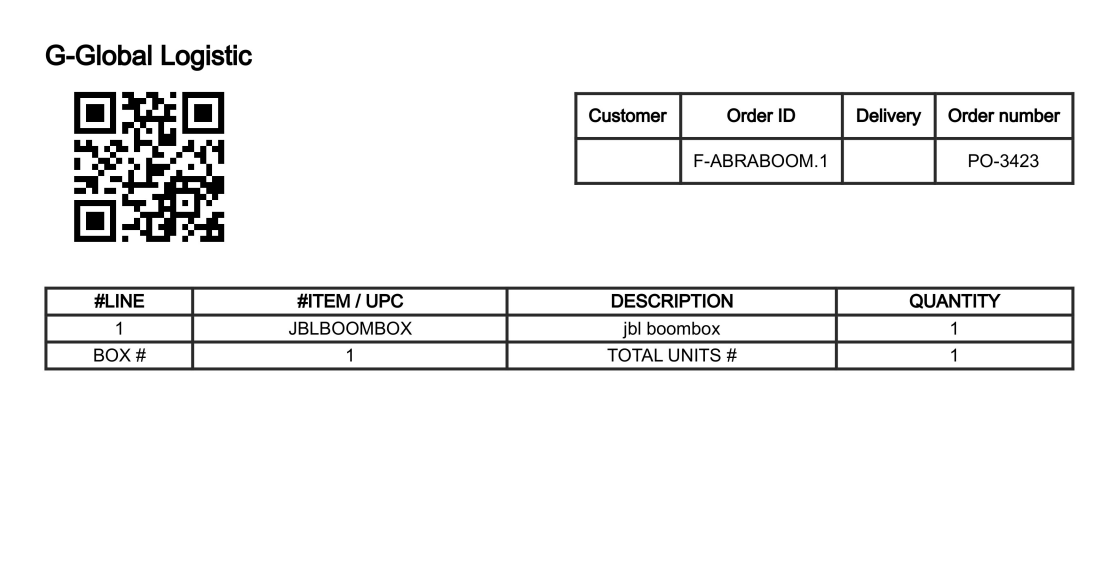
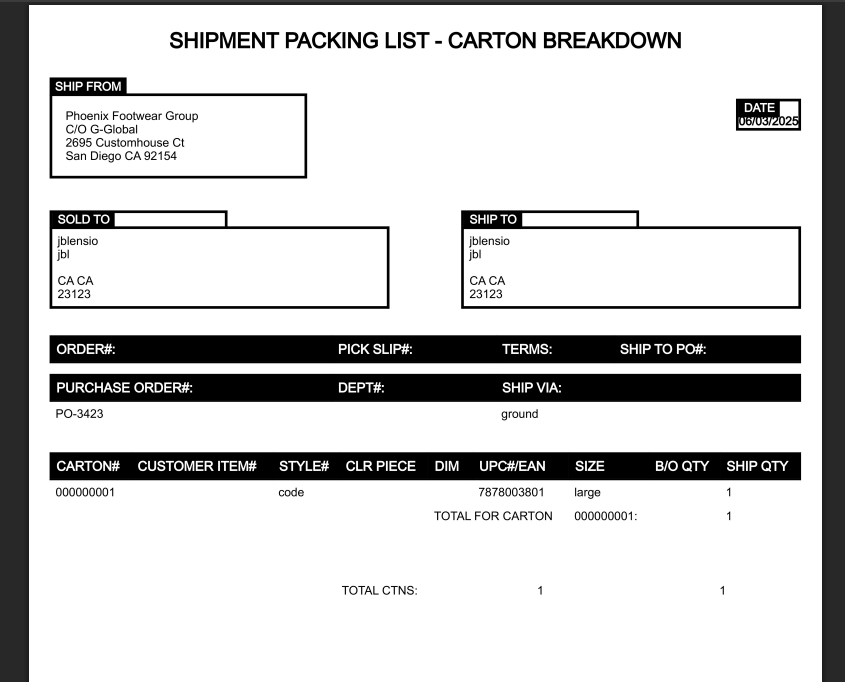
Validator
Validator Module
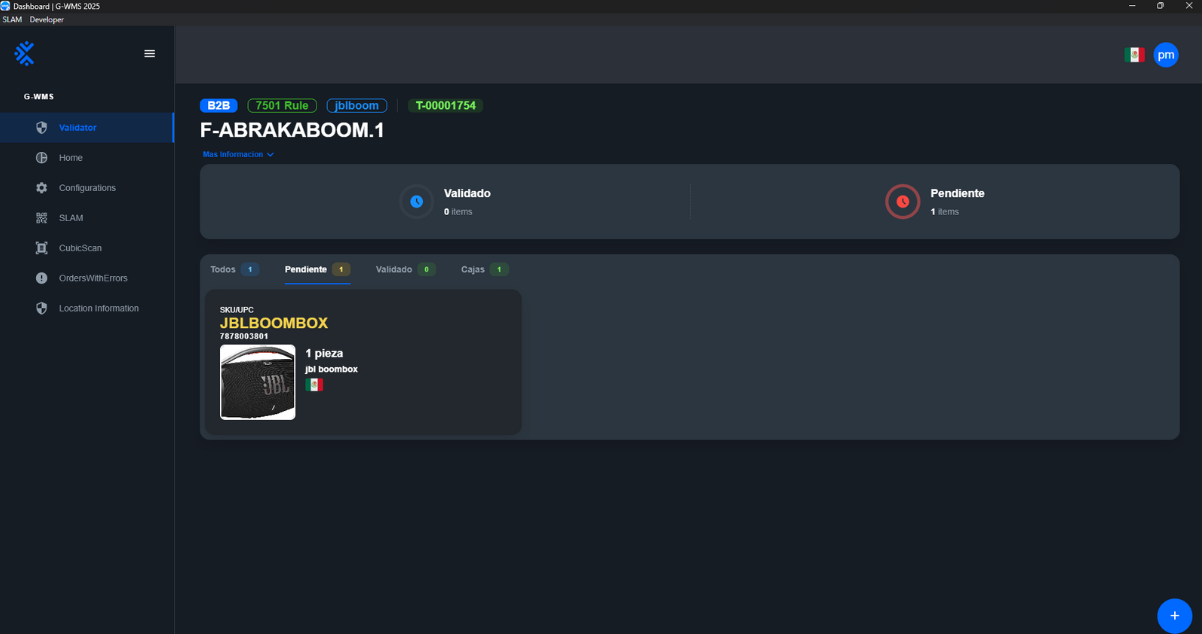
This module is used to validate the origin of an item that is going to be packaged.
Useful View of the Module
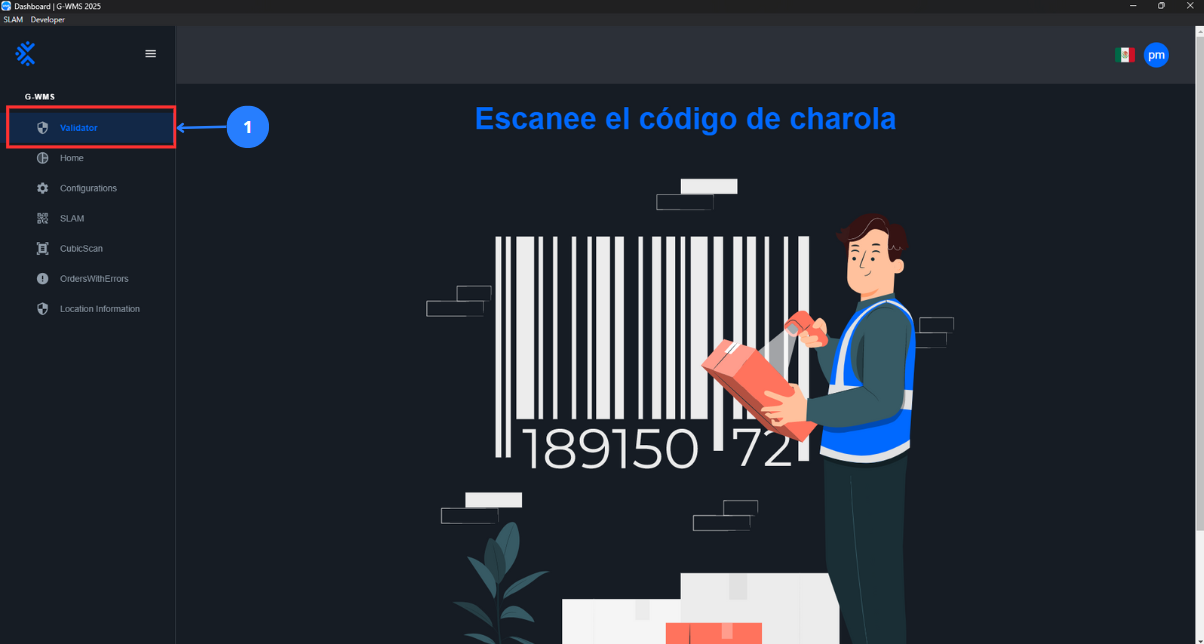
| No | Name | Description |
|---|---|---|
| 1 | Validator Button | A button that, when pressed, opens the validator panel to validate the origin of items. |
Validate Items
Context |
|---|
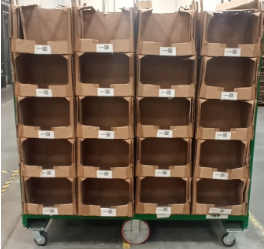
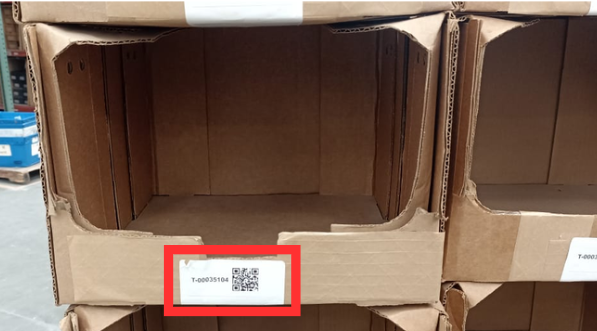
The totes or carts contain the trays where the items to be packaged are stored.
The trays are where the items are stored and have the code that is scanned to start the validator module.
|
Steps |
|---|
Select 1 to use the Validator tool. Scan the QR code of the tray. The tray information and its contents will then appear.
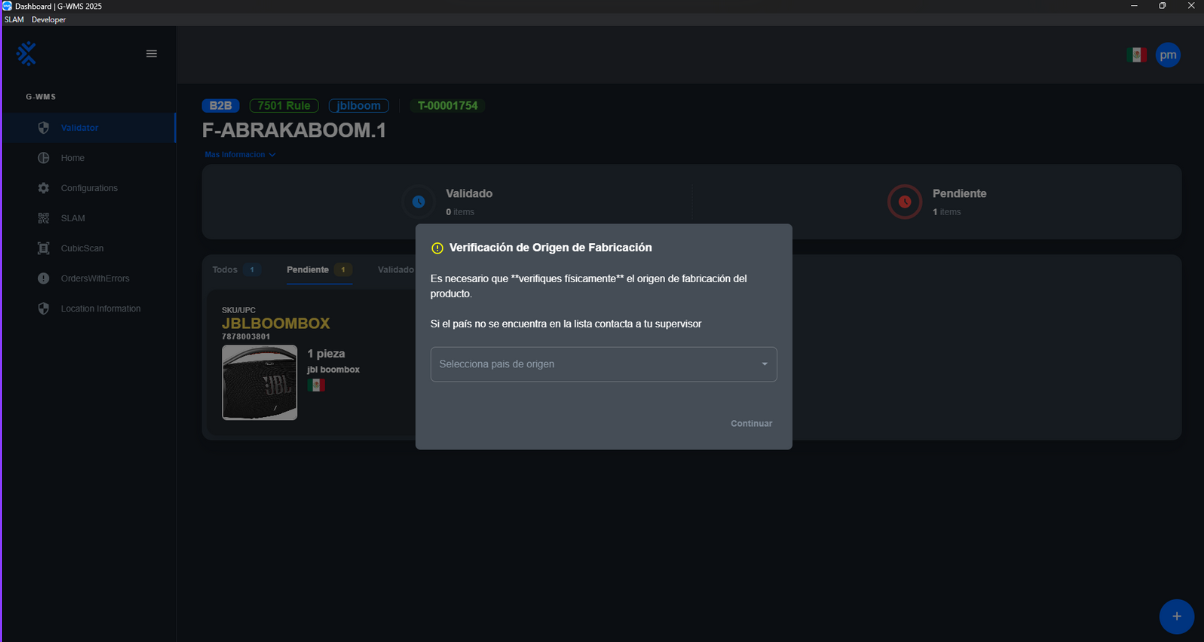
Scan the QR or barcode of the product. A window showing the manufacturing origin will then open.
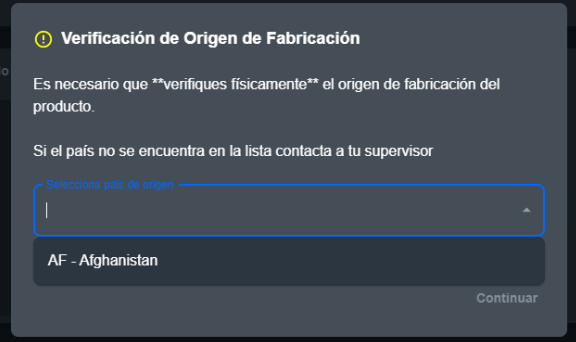
Click on select country of origin, and a dropdown panel will open with the possible origins for this item. Select the correct one.
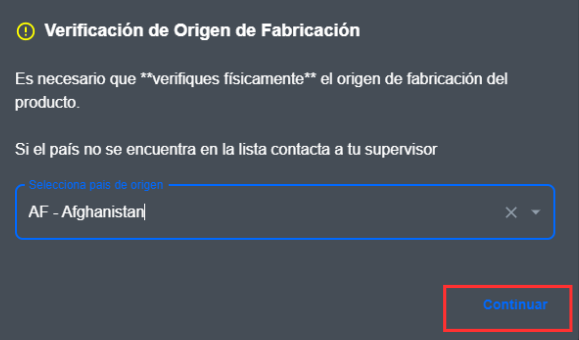
Finally, click on continue.
A notification will appear in the lower right corner of the screen indicating the end of the validation.
Afterwards, the content labels and package listing labels will be printed.
|