Container Information
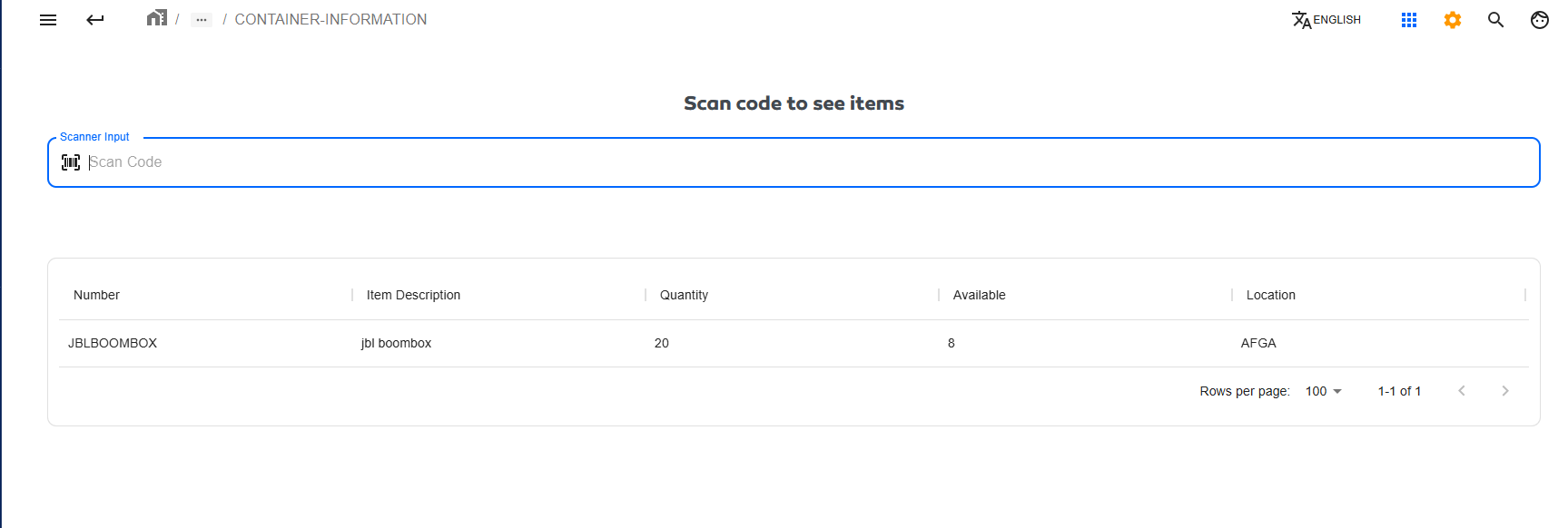
This module is used to obtain basic information about the contents of a container. It retrieves data about the items inside the container (Number, Description, quantity, available, location) by scanning its PPL.
Module Useful View
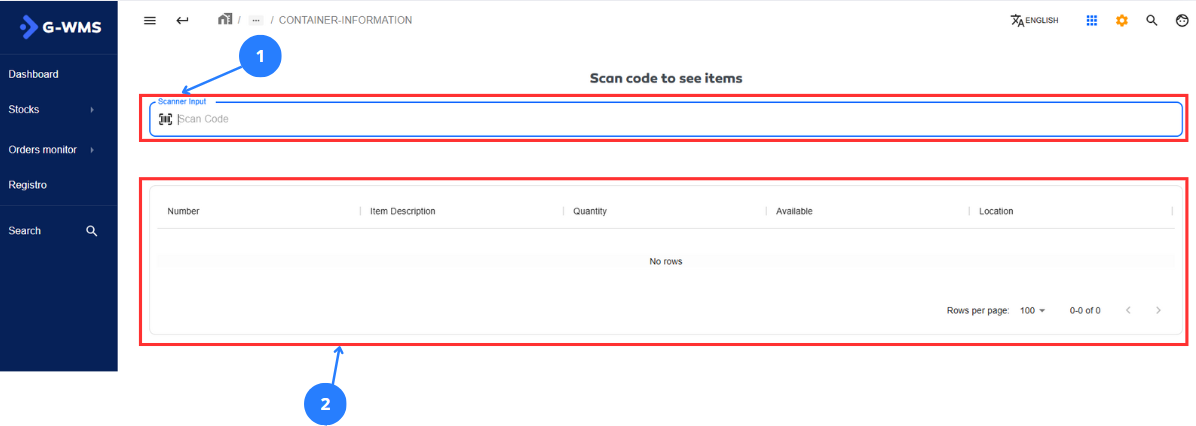
| No | Name | Description |
|---|---|---|
| 1 | Scanner | This scanner element receives data from QR codes scanned by a physical laser scanner. |
| 2 | Total data | This table displays the basic information of a container |
Context |
|---|
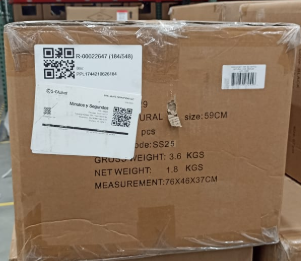
The first thing added when using replenishment is the container, which is the box where one or several items are stored. A container typically looks like this.
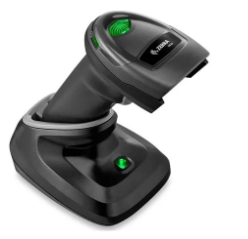
This is the laser scanner commonly used in modules that require scanning QR codes.
|
Get container information
Steps |
|---|
Click on 1 in the general interface and scan with a physical laser scanner connected to the computer. Scan a PPL belonging to an existing container in the system.
This way you retrieve the items' data from the container. |