Warehouse
Warehouse Module
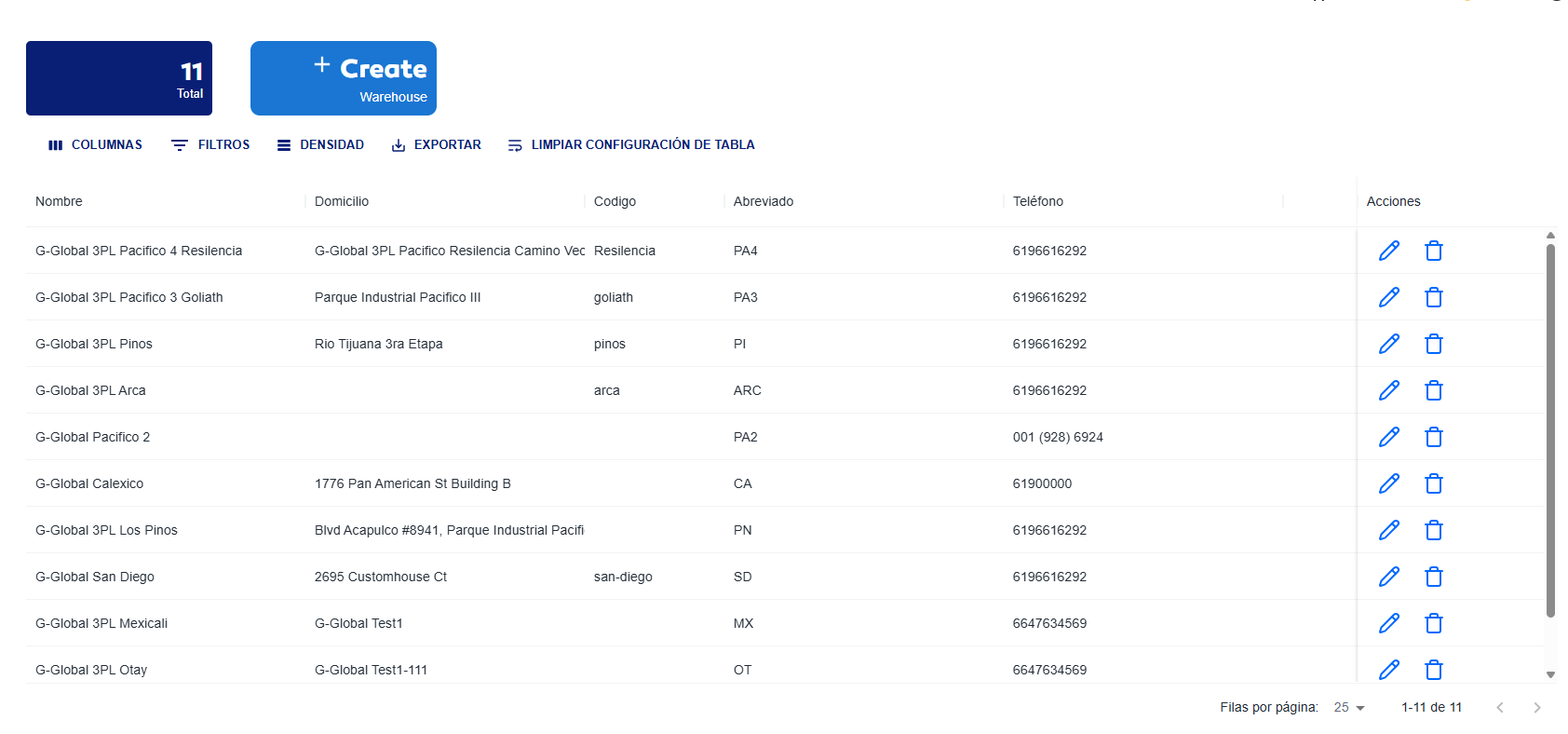
This module serves to register and manage data about warehouses that each client company has, in order to administer them using the WMS system.
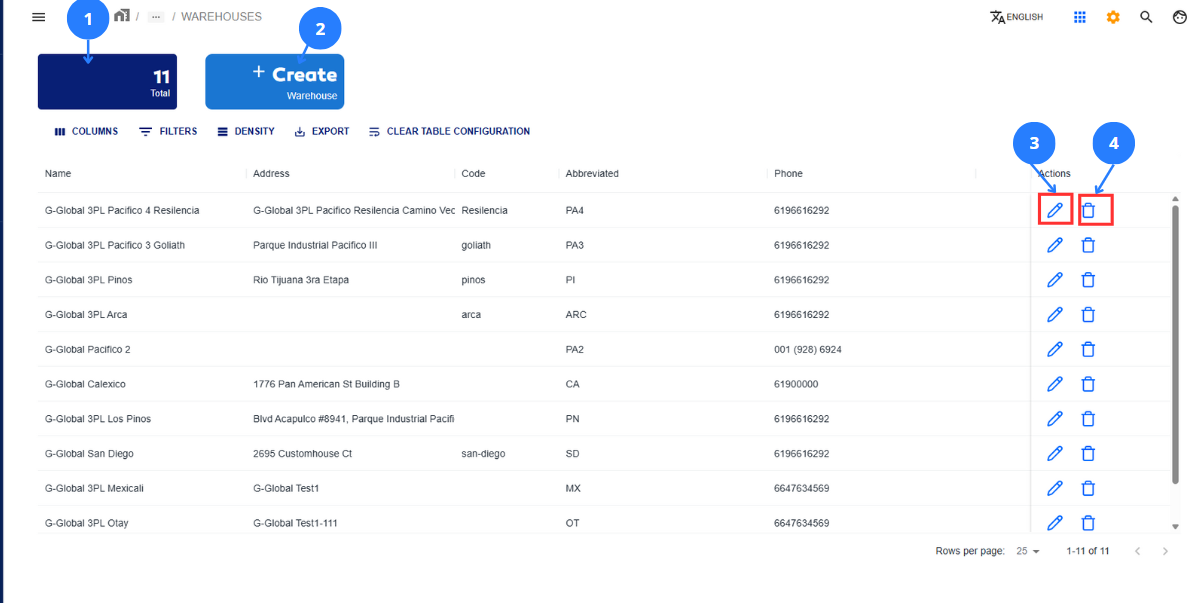
General Useful View of the Module
| No | Name | Description |
|---|---|---|
| 1 | Total warehouses counter | This section counts the total warehouses managed by the company. |
| 2 | Register new warehouse button | This button displays a form to register warehouses and their general information. |
| 3 | Edit warehouse information button | This button displays a form to edit a warehouse's general information. Each button corresponds to the record in its row that will be modified. |
| 4 | Delete warehouse button | This button deletes a warehouse's general information. Each button corresponds to the record in its row that will be deleted. |
Register a Warehouse
Steps |
|---|
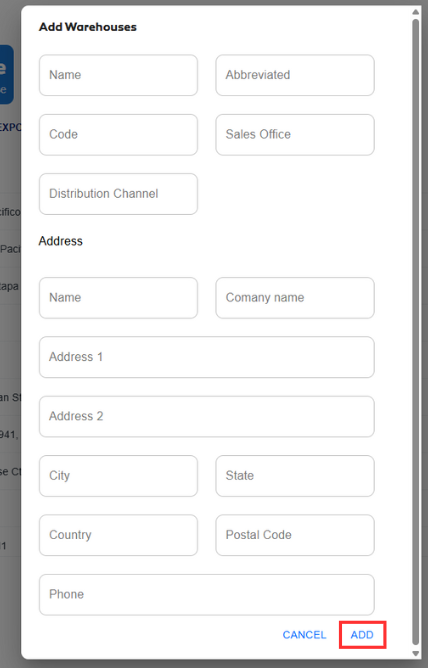
Click on 2 in the general interface to open a form for registering a new warehouse. Next, enter the required data about the warehouse.
After entering the necessary information, click ADD. This will display the new warehouse in the main panel.
|
Edit a Warehouse
Steps |
|---|
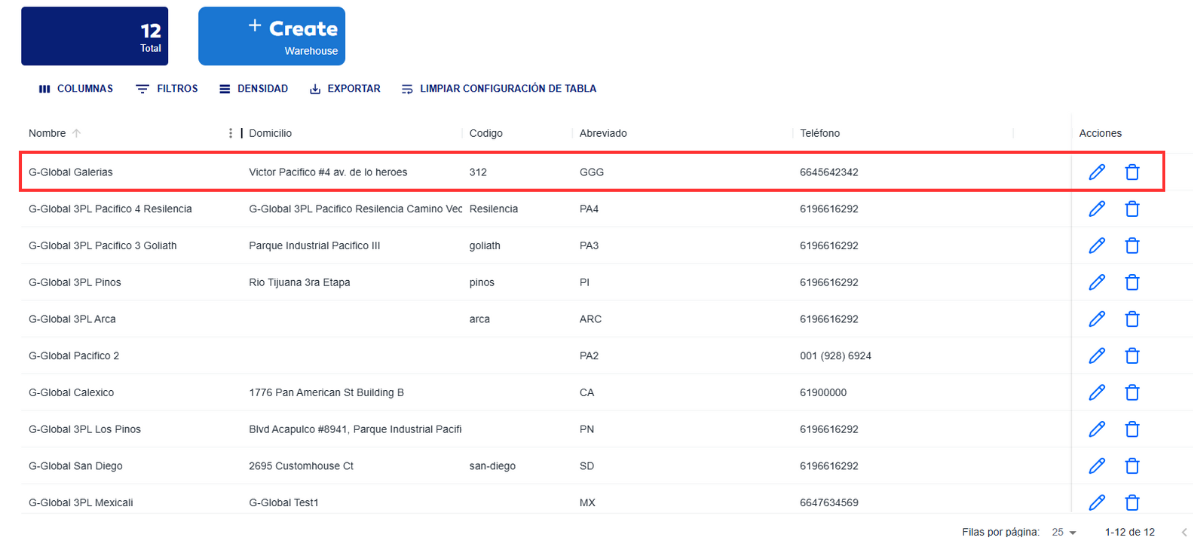
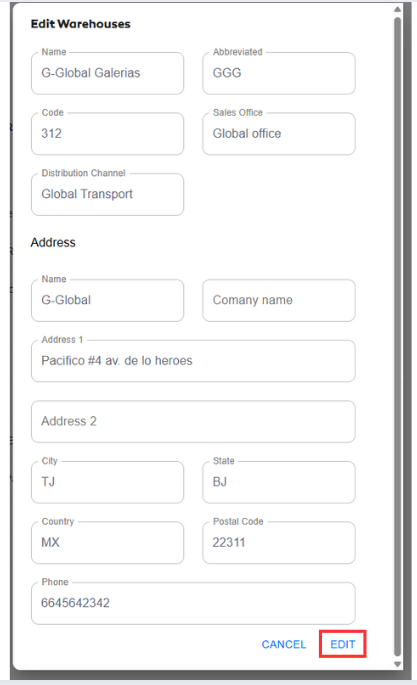
Click on 3 in the general interface to open a form for editing warehouse fields.
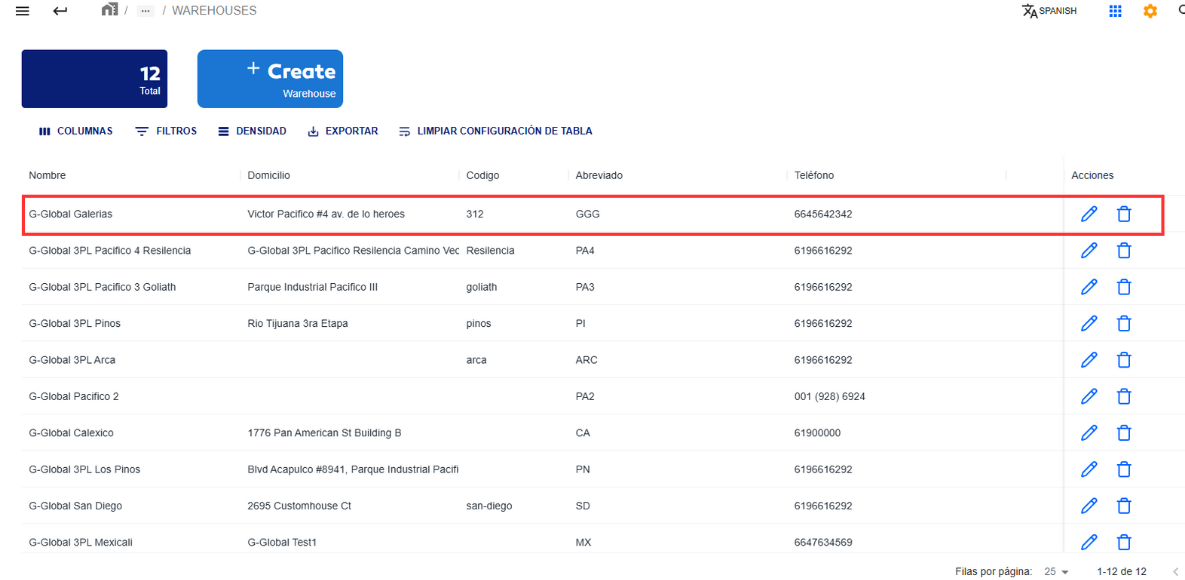
The warehouse information is now available for editing. To complete the action and save the new information, click Edit. The updated information will then appear in the main menu.
|
Delete a Warehouse
Steps |
|---|
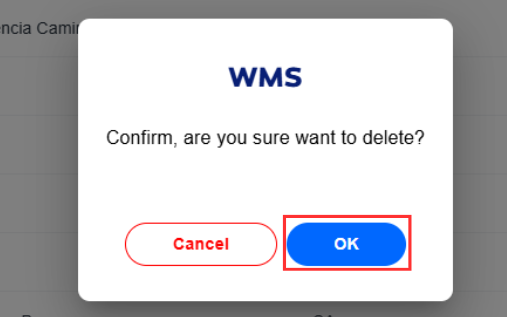
Click on 4 in the corresponding row to open a small window confirming if you want to delete this warehouse.
If you're sure about deleting the warehouse, click the OK button. This change will be reflected in the warehouses table.
|